Transport Fever 3 releases September 29, 2026. Preview footage may differ from the release build.
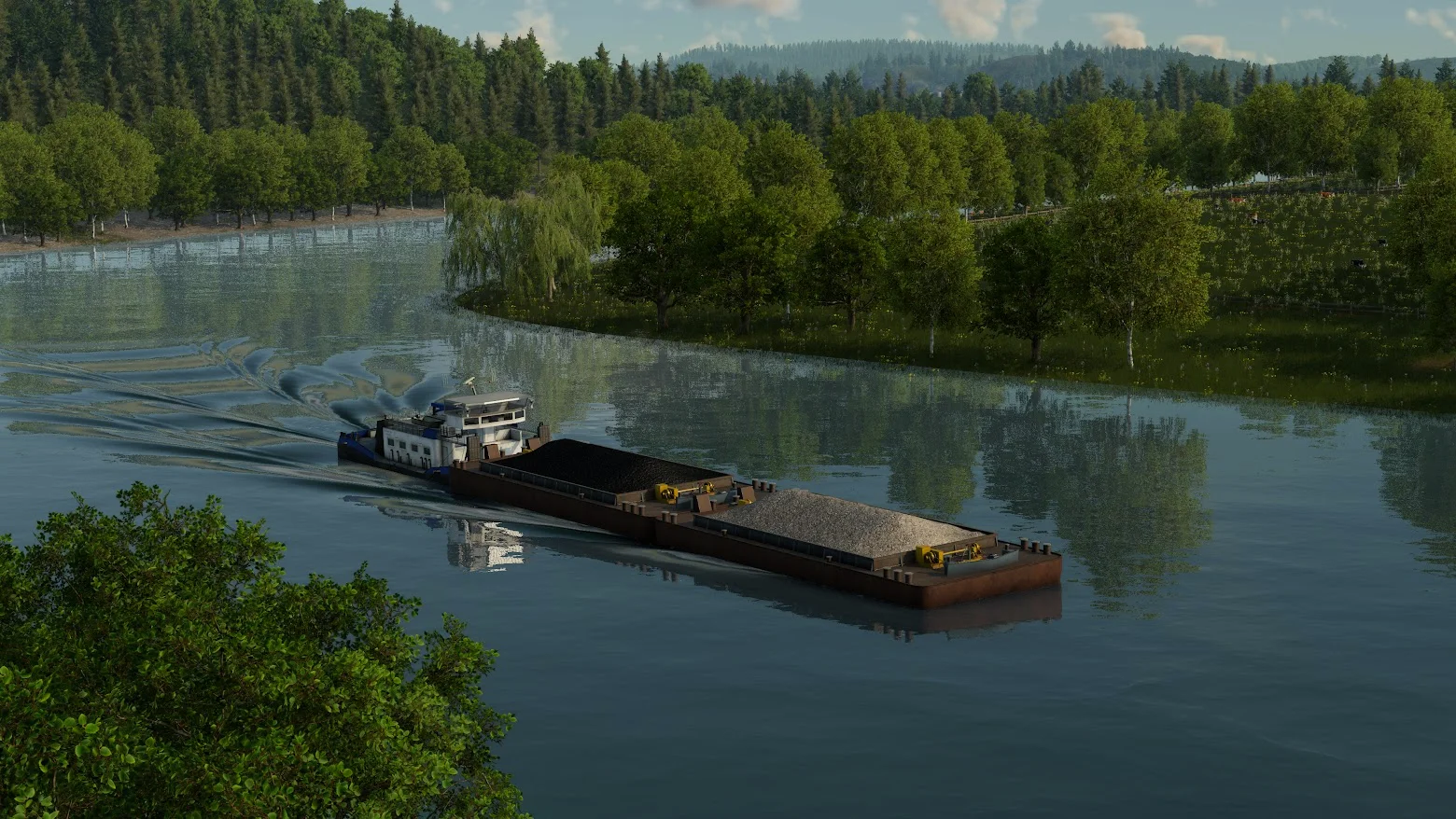
01 / CARGO ON THE WATEROfficial Urban Games press screenshot
NETWORK / 001LAND · SEA · INDUSTRY
01 / START HERE
What are you trying to fix?
Choose the symptom first. Similar looking cargo problems can have different causes.
SEA → ROAD01
Fish will not move from ship to truck
Check the ship line’s load and unload direction before looking at the harbor transfer. A ship that has no fish and a port that cannot store fish are separate problems.
Known ruleTransfer between lines needs warehouse storage; the port itself does not store the cargo.
The developer confirms that people from nearby towns can raise an industry’s output. Preview footage shows passenger routes reaching fishing grounds and a farm.
What to checkFollow the passenger journey to the industry, then read the worker booster on its panel.
In TF3, produced cargo waits at the industry until a vehicle collects it. Check the producer, loading point and vehicle before treating an empty station as a production failure.
Known ruleAn industry can load vehicles at its own dock; a separate station must be in its catchment.
TF3 has four cargo categories. Check whether the vehicle and any specialized loading module match the cargo, or run a universal vehicle to test the route.
Four classesLiquid · bulk · flatbed · goods. The developer gives examples for each; a complete release-build vehicle list is still to come.
A blank station, an idle warehouse and an empty delivery truck look similar from the map. Follow one load from its origin and stop at the first missing handoff.
These are announced systems. Exact placement, capacity and release build steps need a fresh check when the game launches.
01
Cargo waits at its origin
Produced cargo has no preset destination and remains at the producer until you collect it.
02
A transfer needs storage
Stations and ports do not serve as line to line storage. Add a warehouse for cargo changing lines.
03
Workers can boost output
Supplying workers from nearby towns can increase production at an industry.
04 / WATCH THE NETWORK
See Transport Fever 3 in motion.
Urban Games' official gameplay overview shows cargo networks, warehouses and the management screens used to inspect them. The player loads only when you choose to play.